
Getting Started with Padlet: A Digital Post Note Board
- Certificate of completion
- 30 minutes, self-paced
- Access on mobile or laptop
- 1,000+ more courses included
Get started with Padlet for digital discussions and collaboration. Use this drag-and-drop tool for projects and assessments.

Description
In this hands on, interactive session, join teacher trainer Jenna Linskens as you explore how to use Padlet — a free, online drag-and-drop style productivity tool. Padlet provides students a way to participate in digital backchannel discussions during synchronous class and It can also be a great tool for engaging student projects, like timelines and mind-mapping. In addition to student use, teachers can post and collect formative assessment questions, check for understanding, and provide feedback to students for hybrid, online, or face-to-face learning. During this webinar, you'll learn the basics of the Padlet tool, see real world examples, and have the chance to participate in a live brainstorm by joining a Padlet project and collaborating with other attendees.
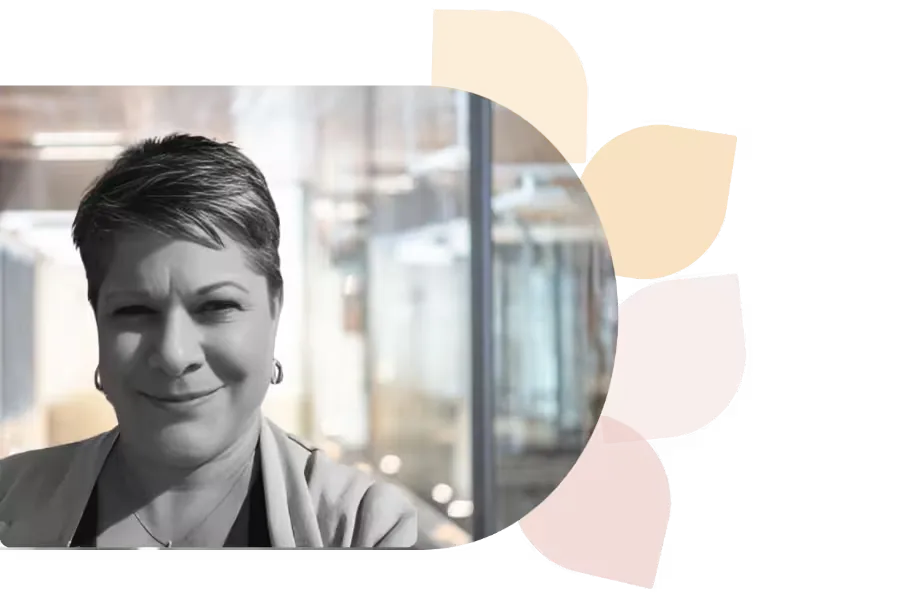
Dr. Jenna Linskens
Dr. Jenna Linskens is the Director of Instructional Design & Educational Technology at Ithaca College. With 25+ years in education, she helps faculty with tech and e-learning. A CETL-certified leader, she was named to EdTech Insider’s 2020 Dean’s List of top Higher Ed IT Influencers.
Specializes In: Director of Instructional Design




Ready to grow?
Unlock new strategies and skills—wherever you are in your teaching journey.
Get started free