
Integrating Digital Activities into Canvas
- Certificate of completion
- 30 minutes, self-paced
- Access on mobile or laptop
- 1,000+ more courses included
Integrate Bitmoji classrooms, Jamboard, choice boards, and videos into Canvas LMS. Connect your favorite tools step-by-step.

Description
If you've learned about some really engaging digital tools — but aren't quite sure how to integrate them into your Canvas LMS — this session is for you! If you've made a Bitmoji Classroom... or learned how to use Jamboard... maybe you have an engaging Choice Board or Flip Grid ...or you've made screencasting videos - but you just aren't quite sure how to incorporate all of those into your Canvas LMS — then this webinar is most certainly for you! Join expert trainer, Deb Norton, as she shows you how to integrate all of these tools (and more!) into your Canvas LMS.
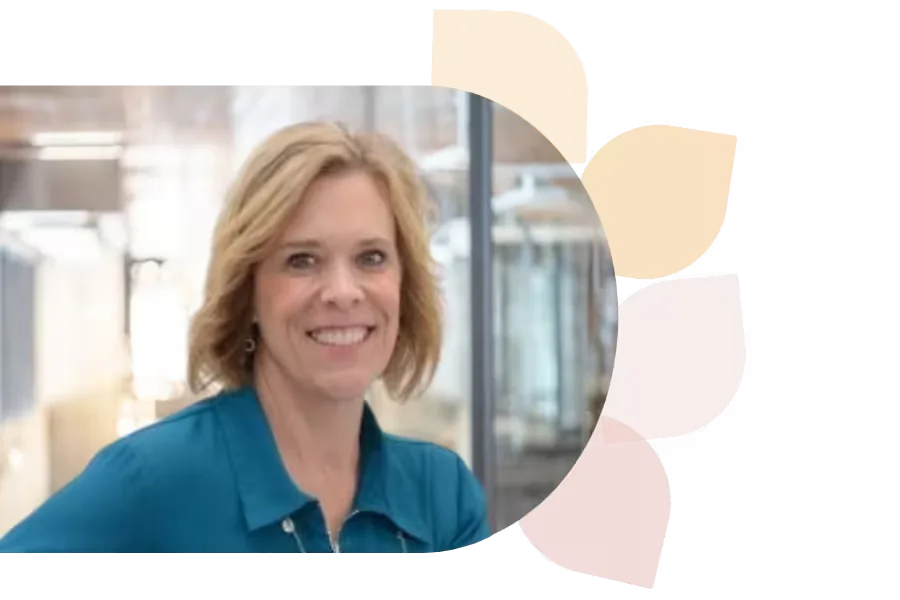
Debra Norton
Deb Norton is a Tech Integration Coordinator in Wisconsin’s Oshkosh Area School District. A former 5th grade teacher, she leads ISTE U’s AI course, holds a master’s in EdTech, and is a Google Certified Trainer. She presents nationally and shares her passion via blogging and social media.
Specializes In: Instructional Technology Coordinator

Ready to grow?
Unlock new strategies and skills—wherever you are in your teaching journey.
Get started free