
OneNote: Going Beyond the Basics and Secrets from a Pro
- Certificate of completion
- 30 minutes, self-paced
- Access on mobile or laptop
- 1,000+ more courses included
Take OneNote to the next level with page templates, hyperlinks, and Side Notes. Use Math Tools and Immersive Reader like a pro.
Description
Now that you've built a foundation for using OneNote, join expert Microsoft Trainer, Tiffany Thompson as she takes a deeper dive into the capabilities of Microsoft OneNote. During this step-by-step webinar, Tiffany will show you how to create personalized page templates, use Side Notes, create hyperlinks, and a variety of settings and preferences to help make your OneNote experience top-notch! She'll even throw in ways to use Math Tools, Immersive Reader, and Accessibility Features in OneNote.
Course Content
- OneNote: Going Beyond the Basics and Secrets from a Pro
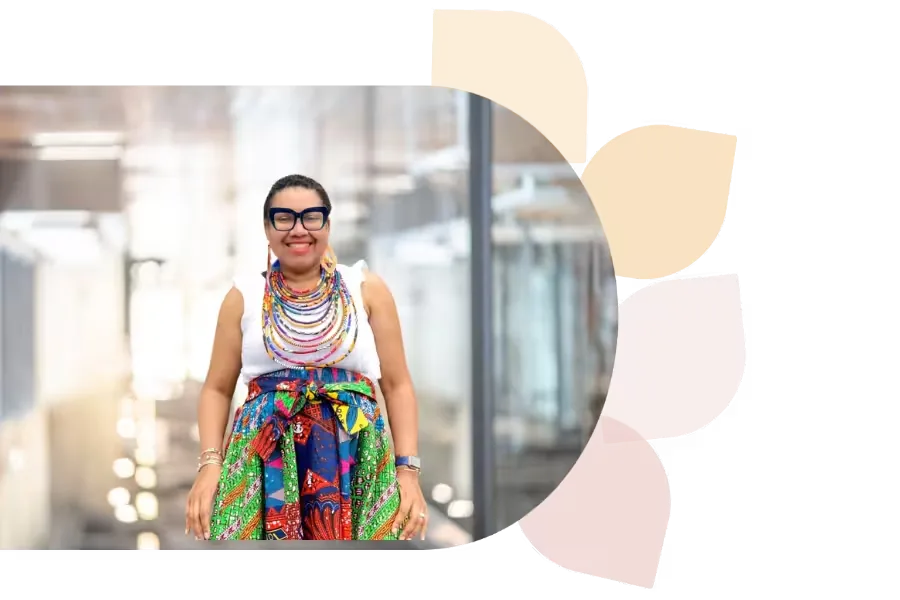
Tiffany Thompson
Tiffany Thompson is an educational technology consultant with 18+ years in education. She has worked as a teacher, tech coordinator, trainer, and college instructor. A Microsoft Master Trainer, Surface Expert, and Innovative Educator Expert, Tiffany helps develop 21st-century teachers and students.
Specializes In: Educational Consultant

Ready to grow?
Unlock new strategies and skills—wherever you are in your teaching journey.
Get started free