
Smarter Data, Smarter Teaching: Google Sheets for Educators
- Certificate of completion
- 60 minutes, self-paced
- Access on mobile or laptop
- 1,000+ more courses included
Turn data into insights with Google Sheets. Use sorting, formulas, and visualization tools for smarter, data-driven teaching decisions.
Description
Are you using Google Sheets to its full potential to enhance your teaching? By using Google Sheets effectively, you can uncover patterns in student performance, attendance, and more, all of which can guide and enhance your teaching approach. Join Lauren Boucher for this hands-on, interactive workshop where you will dive deep into how to use advanced sorting, formulas, and visualization tools to make data-driven decisions, helping you save time and improve student outcomes. Get ready to make your teaching smarter and more data-driven with Google Sheets! Lauren's expertise in digital teaching and learning will provide you with tools and resources to turn your raw data into meaningful insights to support student success.
Objectives
- Recall Google Sheets' advanced features like sorting, formulas, and data visualization tools.
- Understand how to turn raw classroom data into actionable insights.
- Apply formulas and sorting to analyze and interpret classroom data.
- Analyze trends in data to identify patterns in student performance and attendance.
- Evaluate the effectiveness of different data insights to inform instructional decisions.
- Use Google Sheets to create actionable reports that enhance teaching practices.
Key Take Aways
- Master advanced sorting techniques to organize classroom data more effectively.
- Learn how to use formulas to analyze trends and patterns in student performance.
- Discover how to use Google Sheets' visualization tools to present data clearly and effectively.
- Learn how to make data-driven instructional decisions to improve student outcomes.
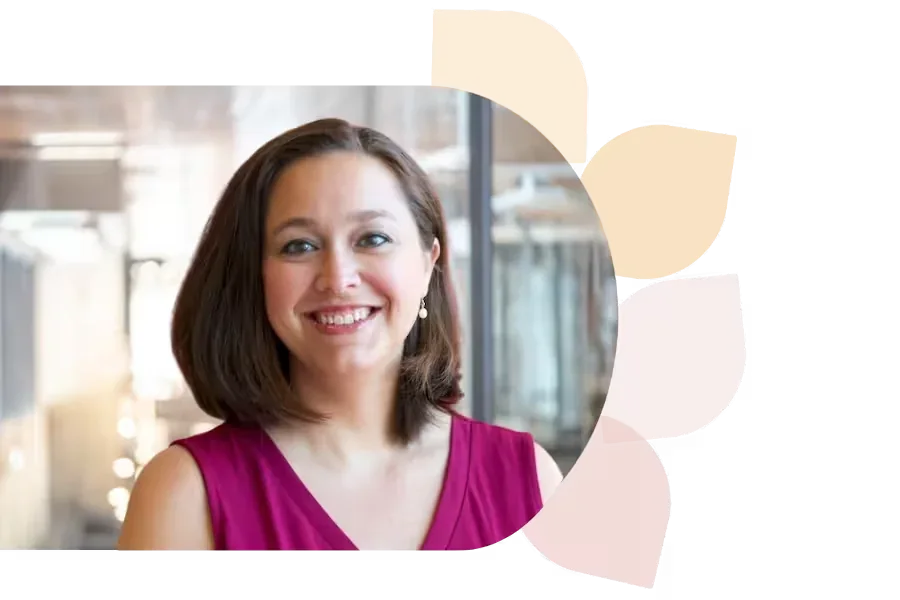
Lauren Boucher
Lauren Boucher has 18+ years in public education, teaching 3rd grade, gifted K-8, and working as a Digital Teaching and Learning Coach. Now a Southeast Regional Consultant for the NC Department of Public Instruction, she shares innovative ed tech practices nationwide.
Specializes In: Digital Teaching & Learning Consultant

Ready to grow?
Unlock new strategies and skills—wherever you are in your teaching journey.
Get started free