
Using Teaching and Accessibility Tools in Microsoft Office
- Certificate of completion
- 30 minutes, self-paced
- Access on mobile or laptop
- 1,000+ more courses included
Create accessible, inclusive content with Microsoft Office tools. Build personalized learning experiences that meet diverse student needs and abilities.
Description
Creating content that is accessible, inclusive and personalized is key to ensuring success for all students. Join Tiffany Thompson as she shares how a few easy adjustments to your current lessons can give your students access to quality content; efficiently and independently. You will also learn tips and tricks for using Microsoft Office to build lessons with accessibility and inclusion in mind, as well as how to create personalized learning experiences that meet the needs of all students' learning styles, preferences, and abilities.
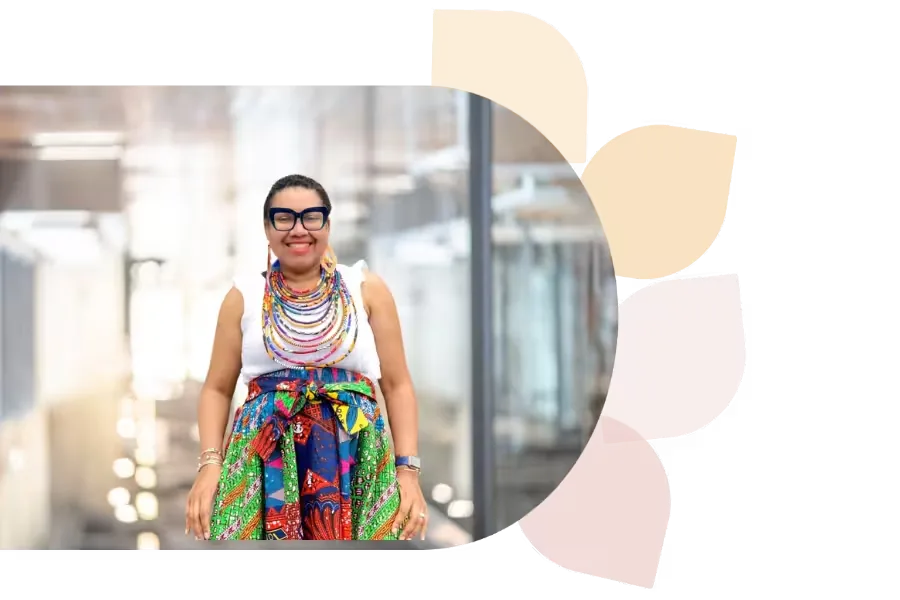
Tiffany Thompson
Tiffany Thompson is an educational technology consultant with 18+ years in education. She has worked as a teacher, tech coordinator, trainer, and college instructor. A Microsoft Master Trainer, Surface Expert, and Innovative Educator Expert, Tiffany helps develop 21st-century teachers and students.
Specializes In: Educational Consultant

Ready to grow?
Unlock new strategies and skills—wherever you are in your teaching journey.
Get started free