
Adobe Photoshop for Beginners (Part 1)
- Certificate of completion
- 60 minutes, self-paced
- Access on mobile or laptop
- 1,000+ more courses included
Get started with Adobe Photoshop basics. Learn to navigate the workspace, use essential tools, and begin editing photos with confidence.

Description
If you are new to using Adobe Photoshop, this workshop will introduce you to the basic tools and techniques to begin editing photos. Join Kim Munoz as she shares how to navigate the Photoshop work area by using the menu bar, options bar, and tool panels, including the controls used to zoom, pan, and save your work. Participants will also have an opportunity to edit their own photo that will assist them in teaching their students how to effectively use Adobe Photoshop.
Objectives
- Explain how to navigate the Photoshop work area by using the menu bar, options bar, and tool panels.
- Edit a photo using the Photoshop work area and controls that allow you to zoom, pan, and save your work.
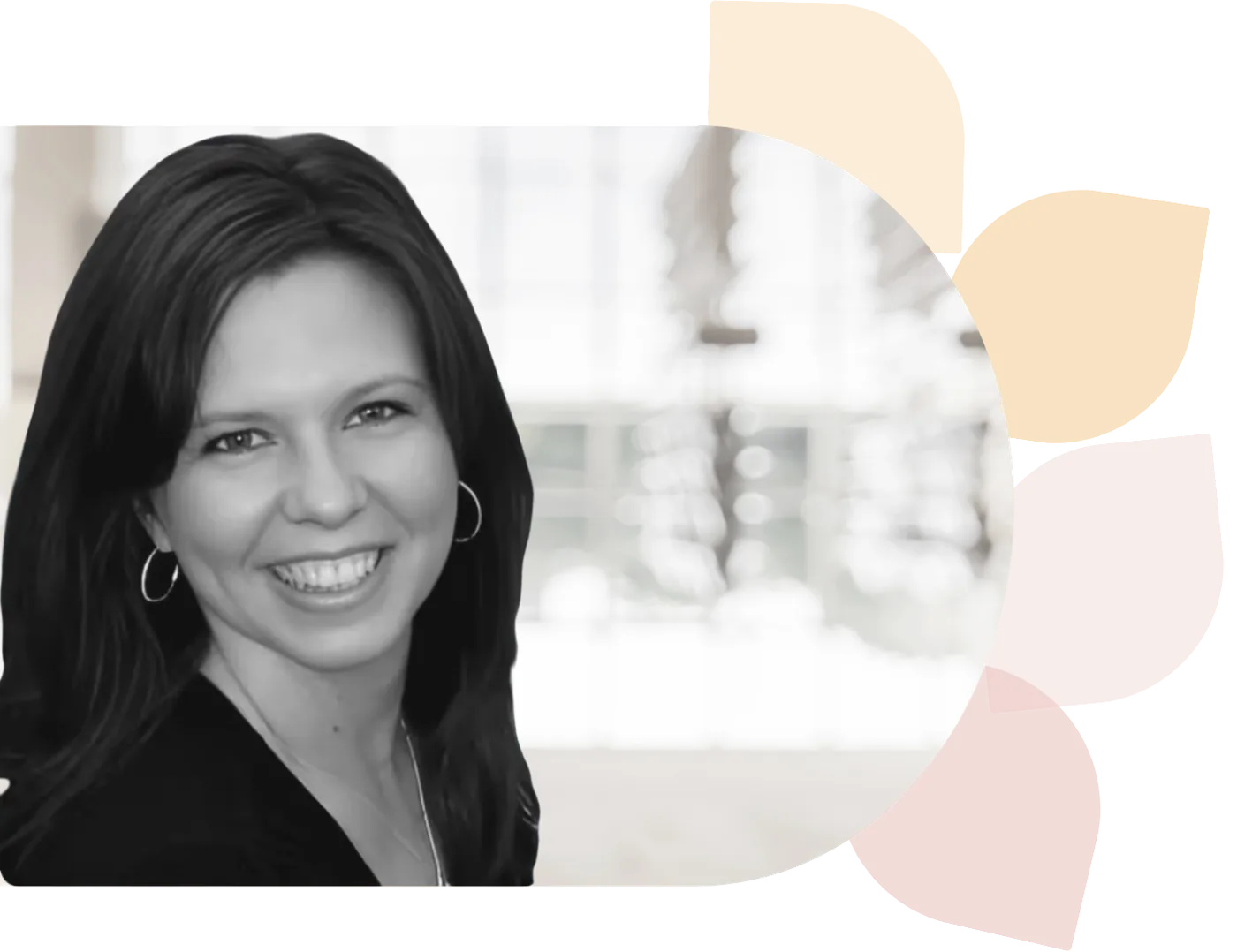
Kim Munoz
Kimberly Munoz is a Career & Technology teacher at College Station High School in Texas. A former Instructional Technologist & middle school technology teacher, she is a Google Certified Trainer. Kimberly’s past experience includes being a TAP Mentor Teacher serving on the Bryan & ISD iSupport Team.
Specializes In: Career and Technology Teacher


Ready to grow?
Unlock new strategies and skills—wherever you are in your teaching journey.
Get started free