
EdTech for Little Learners: Explore Canva
- Certificate of completion
- 60 minutes, self-paced
- Access on mobile or laptop
- 1,000+ more courses included
Master Google Classroom for effective online teaching. Organize courses, engage students, and streamline your digital workflow.

Description
Canva for Education is a free-to-use online graphic design tool that makes it easy to create, collaborate, and communicate visually in the classroom and beyond. Join Dr. Samantha Fecich for this interactive, hands-on workshop as she takes you on a guided tour of the basic elements of Canva for Education. You will learn how to upload and search pictures and elements, explore a wide range of fonts, sizes, and effects, as well as how to drag and drop design elements and animations. Participants will also have an opportunity to create their own learning materials that they can immediately use with their students.
Objectives
- Explore the variety of resources offered in Canva for Education and discuss how to best utilize them in the classroom to support early learners.
- Describe how to build a presentation using Canva for Education to deliver content to early learners.
- Create asynchronous learning materials for early learners using Canva for Education's free online video recorder. "‹
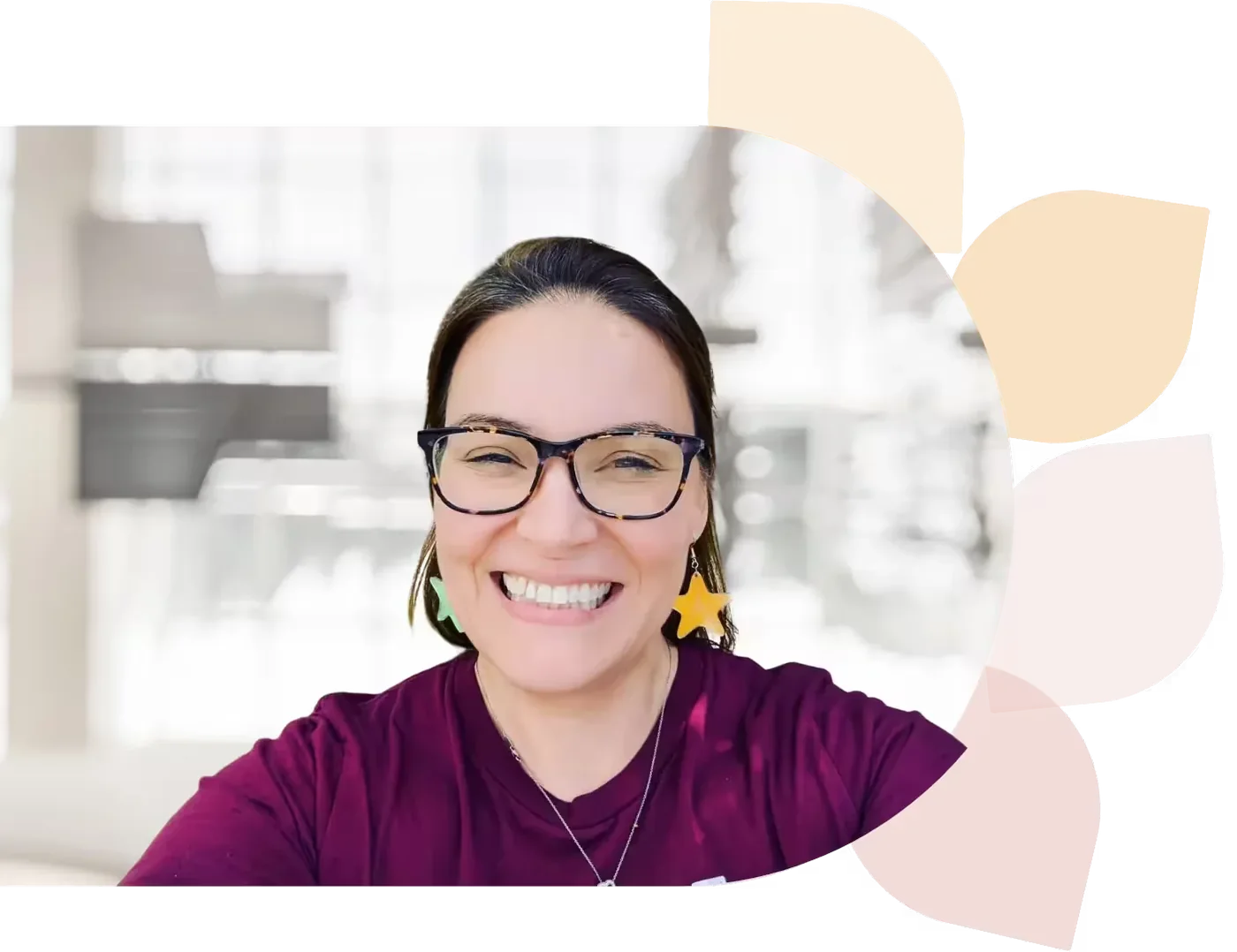
Dr. Samantha Fecich
Dr. Samantha Fecich is an educator, author, and host of the EduMagic podcast. She’s passionate about helping future teachers transition from campus to classroom and loves sharing tips and insights to inspire and support new educators on their journey.
Specializes In: Associate Professor of Education




Ready to grow?
Unlock new strategies and skills—wherever you are in your teaching journey.
Get started free