
Lights, Camera, Canva! Video Creation Made Easy
- Certificate of completion
- 60 minutes, self-paced
- Access on mobile or laptop
- 1,000+ more courses included
Create cinematic videos with Canva made easy. Turn slides into videos, record voiceovers, add animations, and empower students to showcase their learning.
Description
How can you transform static lessons into dynamic videos that captivate students? Are you ready to empower your learners to showcase their knowledge through video storytelling? Video is a powerful instructional tool that increases student engagement, comprehension, and retention. With Canva, creating high-quality educational videos is easier than ever, even if you don't have professional editing skills. Canva's video features allow teachers and students to produce polished videos that enhance learning experiences and make content come alive. Join technology integration specialist Lauren Boucher to explore how to create cinematic instructional videos using Canva. Learn to turn slides into videos, record voice overs, add animations and music, and guide students in using video for projects and presentations. Lauren's expertise will give you the confidence and skills to seamlessly integrate video creation into your classroom, making lessons interactive and empowering students to share their learning creatively.
Objectives
- Identify Canva's key video creation tools and features.
- Describe how video creation enhances student learning and engagement.
- Create a short instructional video using Canva's video tools.
- Examine videos for clarity, visual appeal, and instructional effectiveness.
- Assess student-created videos for content accuracy and creativity.
- Design an instructional video project that empowers students to demonstrate their learning through storytelling.
Key Take Aways
- Understand Canva's video creation features to design high-quality educational videos.
- Implement strategies to convert slides into engaging instructional videos with voice overs and animations.
- Promote student video storytelling as a means of demonstrating understanding and creativity.
- Incorporate practical tips to plan, produce, and polish videos without needing advanced editing software.
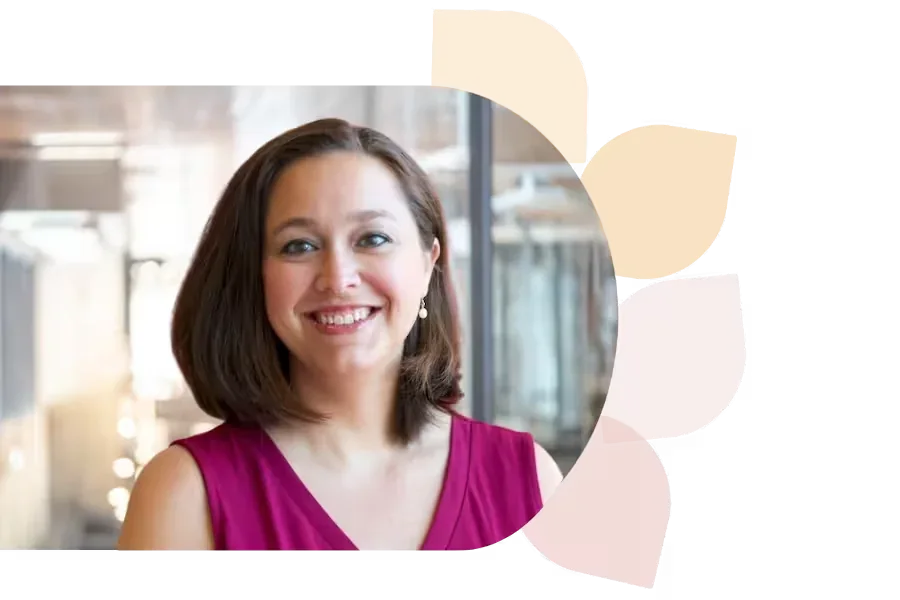
Lauren Boucher
Lauren Boucher has 18+ years in public education, teaching 3rd grade, gifted K-8, and working as a Digital Teaching and Learning Coach. Now a Southeast Regional Consultant for the NC Department of Public Instruction, she shares innovative ed tech practices nationwide.
Specializes In: Digital Teaching & Learning Consultant



Ready to grow?
Unlock new strategies and skills—wherever you are in your teaching journey.
Get started free