
Mic Drop: Elevating Student Voice with Adobe Podcasts
- Certificate of completion
- 30 minutes, self-paced
- Access on mobile or laptop
- 1,000+ more courses included
Create professional student podcasts with Adobe tools. Learn AI-powered audio enhancement for equitable, high-quality storytelling.

Description
Do you spend hours assigning writing only to wish students had a stronger, more authentic voice? Do you want a simple, Chromebook friendly workflow for producing professional quality student podcasts? The human voice builds empathy, understanding, and literacy, and authentic audiences increase motivation and the quality of student work. In this course, Deb Norton and David Yablonski show you how to guide students through a clear podcasting process that uses Adobe Podcasts to plan, record, enhance, and edit with AI powered tools so every learner can be heard. You will learn how to align quick, standards based tasks to communication and digital literacy goals, and how to use features like enhance speech and intuitive web based editing to deliver high quality, low stress audio storytelling that you can implement right away with Adobe Podcasts in K to 12 classrooms.
Objectives
- Identify key Adobe Podcasts features and basic podcast terms used in classroom projects.
- Describe how authentic audience and multimodal creation support literacy, engagement, and student agency.
- Record a short audio sample and use enhance speech and simple edits to improve clarity and structure.
- Compare two student podcast clips to determine which better aligns to success criteria and why.
- Use a quick rubric to judge audio quality, content accuracy, and audience impact, then plan next steps.
- Design a lesson that guides students to produce a two to three minute podcast episode aligned to a content standard.
Key Take Aways
- Navigate Adobe Podcasts to record, enhance, and edit student audio with a simple, classroom ready workflow.
- Align podcast tasks to clear success criteria and communication standards for digital literacy.
- Launch routines for planning, recording, editing, and publishing that students can manage on Chromebooks.
- Use AI powered audio enhancement to ensure equitable sound quality for diverse learners and recording environments.
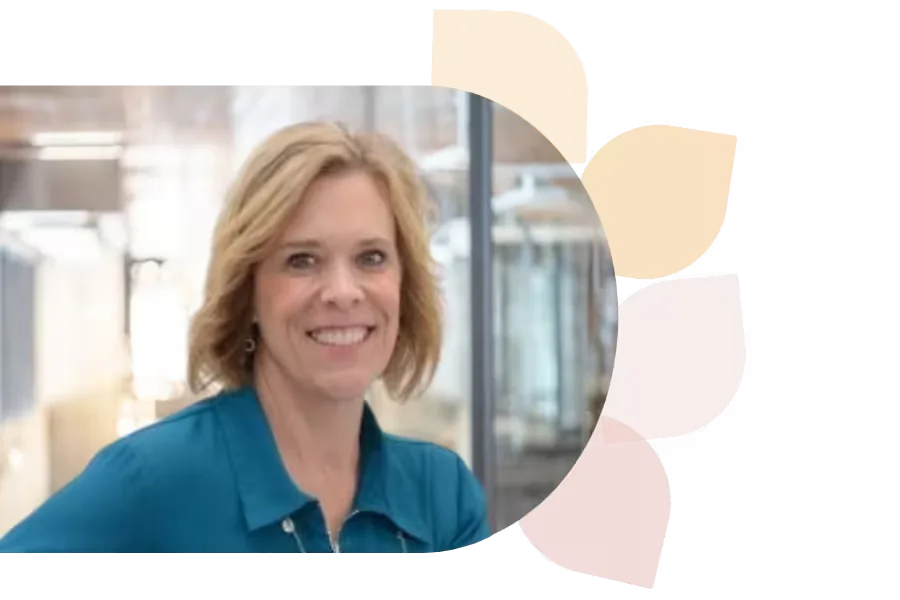
Debra Norton
Deb Norton is a Tech Integration Coordinator in Wisconsin’s Oshkosh Area School District. A former 5th grade teacher, she leads ISTE U’s AI course, holds a master’s in EdTech, and is a Google Certified Trainer. She presents nationally and shares her passion via blogging and social media.
Specializes In: Instructional Technology Coordinator




Ready to grow?
Unlock new strategies and skills—wherever you are in your teaching journey.
Get started free