
No Code, No Stress: Building Your First App with Google AppSheet
- Certificate of completion
- 60 minutes, self-paced
- Access on mobile or laptop
- 1,000+ more courses included
Build your first app with Google AppSheet—no coding required! Create custom applications to streamline classroom tasks and engage students with technology.

Description
Have you ever wished you could create a custom app for your classroom or workflow without learning how to code? What if building an app was actually simple, manageable, and even fun? App development doesn’t have to be intimidating. With no-code tools like Google AppSheet, educators can design functional apps that streamline tasks, support instruction, and solve everyday classroom problems—no programming experience required. Join Lauren Boucher as she guides educators through a beginner-friendly introduction to Google AppSheet. This worlshop is designed specifically for educators who are brand new to app building. You’ll take a guided tour of the AppSheet interface, learn essential concepts, and build a simple app step by step alongside the presenter. The session wraps up with a planning template to help you identify a real classroom or workflow need and map out your next app idea with confidence.
Objectives
- Identify key features and terminology used in Google AppSheet
- Explain how no-code tools like AppSheet create functional apps from data
- Build a simple classroom app using Google AppSheet
- Examine classroom or workflow needs that could be addressed with an app
- Assess the effectiveness of a basic app design for instructional or organizational use
- Design a plan for a future AppSheet app tailored to a specific educational need
Key Take Aways
- Explore the basics of Google AppSheet and understand how no-code app development works
- Build a simple, functional app step by step using a guided process
- Identify classroom and workflow problems that can be solved with custom apps
- Use a planning template to design and extend your own AppSheet projects independently
Special Technology Instructions
Attendees will need access to an internet-enabled device and a personal Google account (not affiliated with their school). SimpleK12’s Google Classroom will be utilized for the interactive and hands-on components of this workshop.
Assessment
Participants will have communication and collaboration and opportunities throughout the training to demonstrate their understanding of the workshop objectives and reflect on their learning.
Course Content
- No Code, No Stress: Building Your First App with Google AppSheet
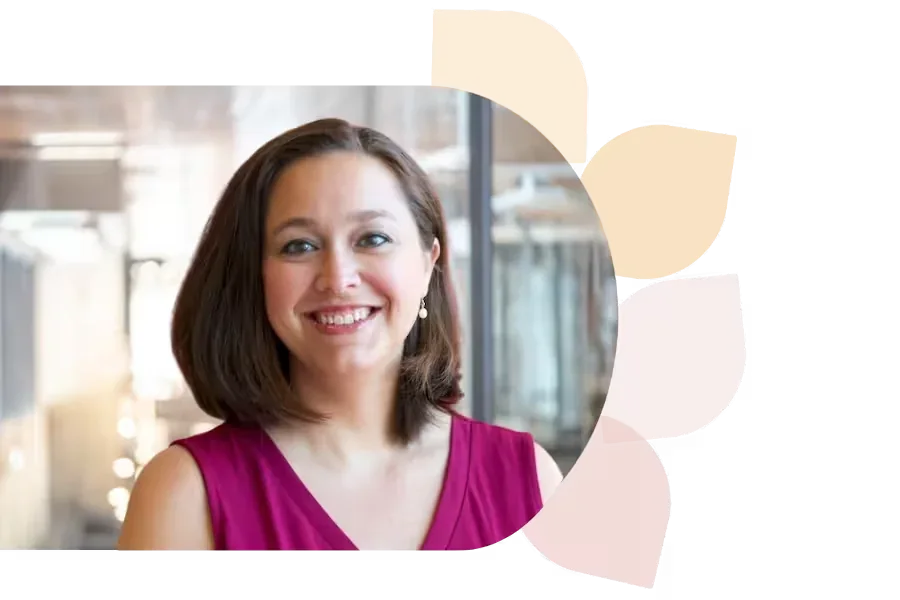
Lauren Boucher
Lauren Boucher is a Regional Consultant for Digital Teaching and Learning with the North Carolina Department of Public Instruction. She holds a master's degree in elementary education and boasts a rich teaching background, including third-grade instruction and gifted education at both elementary and middle school levels. Her expertise also extends to serving as an Instructional Technology Specialist for Pitt County Schools, and she shares her insights through both in-person and online presentations at conferences across the nation.
Specializes In: Digital Teaching & Learning Consultant


Ready to grow?
Unlock new strategies and skills—wherever you are in your teaching journey.
Get started free