
Special Accommodations and Apps for the Visually Impaired
- Certificate of completion
- 30 minutes, self-paced
- Access on mobile or laptop
- 1,000+ more courses included
Support visually impaired students with special accommodations and apps. Discover assistive technologies that provide access to learning for all students.
Description
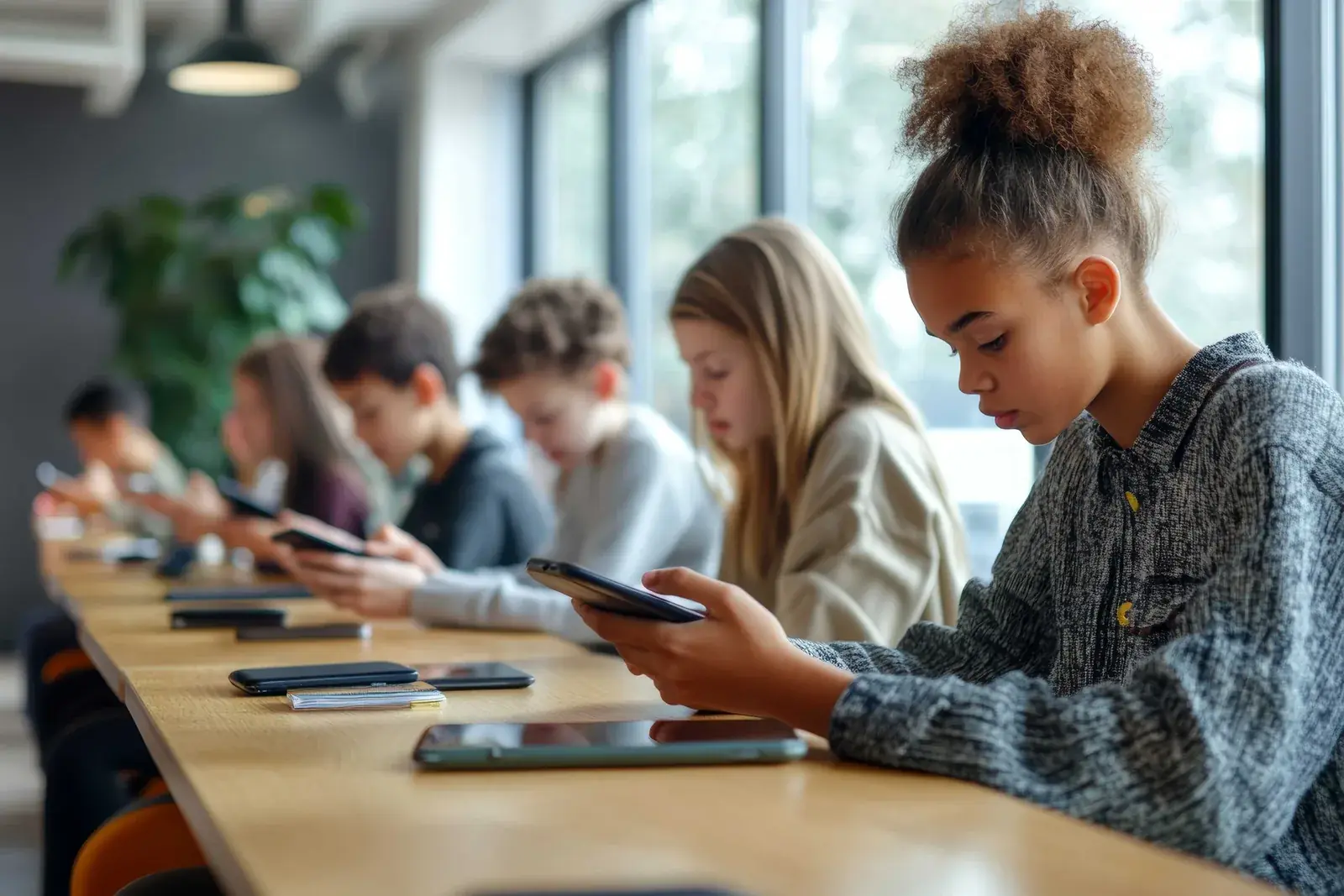
Have you ever wondered how mobile devices can be used to support visually impaired students in the classroom? Mobile technology offers a wide range of accessibility features, including screen readers, magnification, speech-to-text, and voice control, that can support students with visual impairments in accessing digital content and navigating their devices independently. Join Dr. Samantha Fecich for this timesaving, to the point session as we explore different accessibility options that are available on mobile devices and how to operate and activate this accommodation for students who are blind or visually impaired. In addition, she will share some specific applications for these devices and discuss how they can be used in the classroom. Get ready to create a more inclusive classroom environment for visually impaired students! Samantha's expertise in special education will provide you with the tools and resources you need to provide your students with additional support in areas such as reading, writing, organization, and communication.
Objectives
- Recall the key accessibility options and mobile apps discussed in the webinar for supporting visually impaired students with mobile technology.
- Analyze the benefits of using mobile technology to support visually impaired students in the classroom, exploring how accessibility features and mobile apps can enhance the learning experience for all students.
- Implement strategies for customizing accessibility features and integrating mobile apps into your classroom to support visually impaired students, providing them with access to digital content and activities.
- Evaluate the effectiveness of different accessibility options and mobile apps in supporting visually impaired students, using data to assess the impact on student engagement, learning outcomes, and independence.
- Assess the ethical implications of using mobile technology to support visually impaired students, reflecting on issues of privacy, equity, and accessibility, and develop strategies for addressing these concerns.
- Develop customized instructional materials and activities that leverage accessibility options and mobile apps to support visually impaired students, creating a more inclusive and equitable learning environment.
Key Take Aways
- Explore different accessibility options available on mobile devices, including screen readers, magnification, speech-to-text, and voice control, and learn how to customize these features to meet the needs of visually impaired students.
- Discover a variety of mobile apps designed to support visually impaired students in areas such as reading, writing, organization, and communication, and learn how to integrate these apps into your classroom to enhance the learning experience for all students.
- Learn practical strategies for creating a more inclusive classroom environment for visually impaired students, from designing accessible instructional materials to providing individualized support and accommodations.
- Gain insights into the ethical considerations and best practices for using mobile technology to support visually impaired students, including issues of privacy, equity, and accessibility, and learn how to navigate these challenges responsibly.
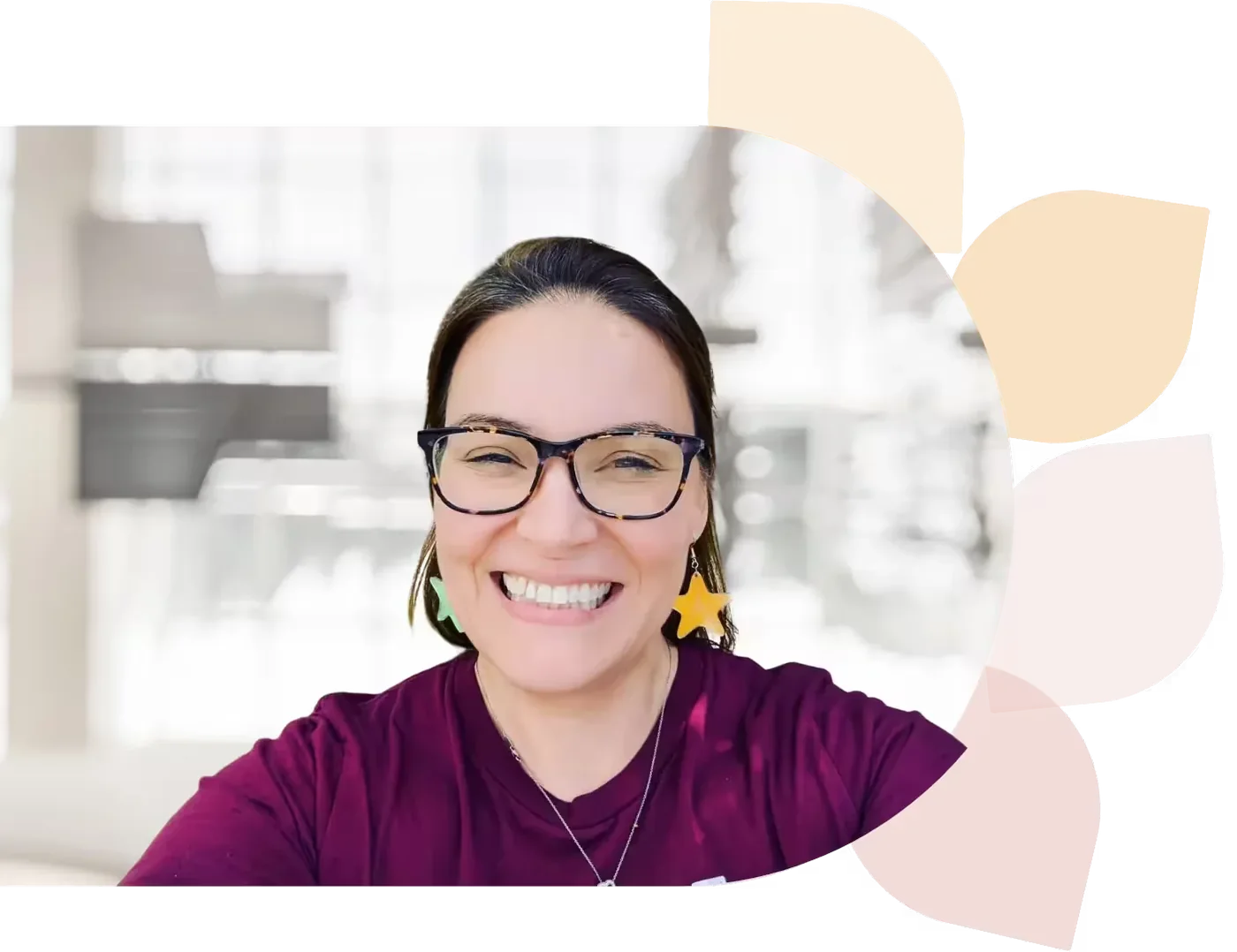
Dr. Samantha Fecich
Dr. Samantha Fecich is an educator, author, and host of the EduMagic podcast. She’s passionate about helping future teachers transition from campus to classroom and loves sharing tips and insights to inspire and support new educators on their journey.
Specializes In: Associate Professor of Education
Ready to grow?
Unlock new strategies and skills—wherever you are in your teaching journey.
Get started free