
Survey Says: Smarter Teaching with Google Forms
- Certificate of completion
- 60 minutes, self-paced
- Access on mobile or laptop
- 1,000+ more courses included
Unlock Google Forms' full potential beyond basic quizzes. Create escape rooms, daily check-ins, storytelling activities, and differentiated instruction.

Description
How can Google Forms transform your teaching beyond basic quizzes? What if you could use Forms to engage, assess, and connect with students in creative new ways? Many teachers see Google Forms as a simple tool for tests and surveys, but it's true potential goes far beyond. Did you know you can design interactive escape rooms using Forms to boost problem-solving skills and collaboration? Or that Google Forms can facilitate daily check-ins, storytelling activities, and differentiated instruction with ease? Join Lauren Boucher for this fast-paced, idea-packed session exploring the limitless uses of Google Forms in your classroom. Discover lesser-known gems and teacher-tested tips to structure better questions, collect cleaner data, and put student responses to work in ways that save you time. Lauren’s expertise in digital teaching and learning will equip you with practical tools and strategies to reimagine how Google Forms can support instruction, engagement, and meaningful learning outcomes for every student
Objectives
- Identify various classroom uses for Google Forms beyond assessments.
- Explain how Google Forms can support engagement, data collection, and instructional planning.
- Create a Google Form for a new purpose, such as storytelling or check-ins.
- Evaluate your current use of Google Forms and identify opportunities to expand functionality.
- Assess the effectiveness of Google Forms activities in enhancing student learning and participation.
- Design an innovative Google Forms activity to implement in your classroom immediately.
Key Take Aways
- Understand the wide range of educational applications for Google Forms beyond quizzes.
- Implement strategies to create interactive storytelling activities, escape rooms, and daily student check-ins.
- Promote student engagement by using Google Forms to support differentiated instruction and formative assessment.
- Incorporate teacher tips to structure better questions and use data efficiently to inform your teaching.
Special Technology Instructions
Attendees will need access to an internet-enabled device and a personal Google account (not affiliated with their school). SimpleK12’s Google Classroom will be utilized for the interactive and hands-on components of this workshop.
Assessment
Participants will have communication and collaboration and opportunities throughout the training to demonstrate their understanding of the workshop objectives and reflect on their learning.
Course Content
- Survey Says: Smarter Teaching with Google Forms
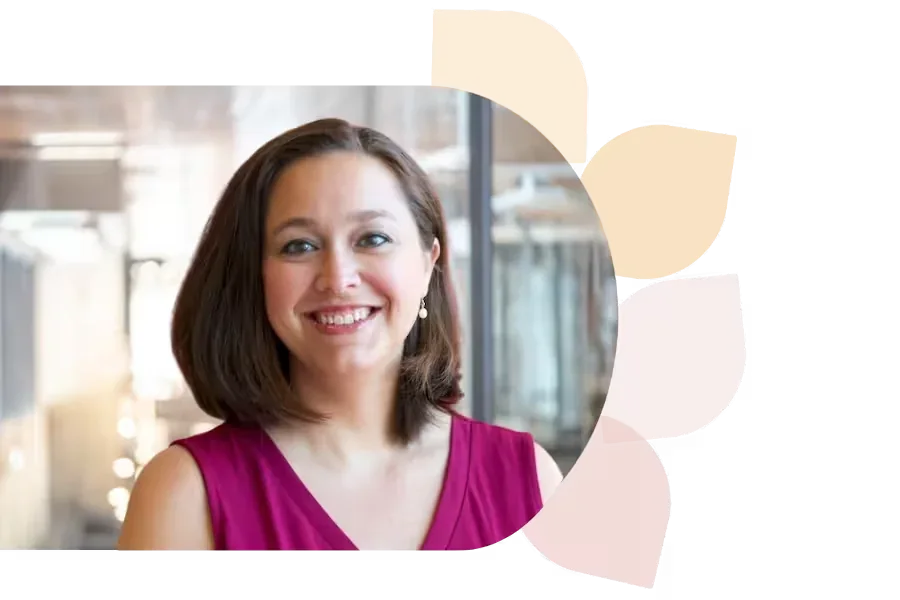
Lauren Boucher
Lauren Boucher is a Regional Consultant for Digital Teaching and Learning with the North Carolina Department of Public Instruction. She holds a master's degree in elementary education and boasts a rich teaching background, including third-grade instruction and gifted education at both elementary and middle school levels. Her expertise also extends to serving as an Instructional Technology Specialist for Pitt County Schools, and she shares her insights through both in-person and online presentations at conferences across the nation.
Specializes In: Digital Teaching & Learning Consultant



Ready to grow?
Unlock new strategies and skills—wherever you are in your teaching journey.
Get started free