
Using Canvas in the Elementary Classroom
- Certificate of completion
- 30 minutes, self-paced
- Access on mobile or laptop
- 1,000+ more courses included
Adapt Canvas for elementary classrooms with practical tips. Design homepages, simplify navigation, create paced modules, and use audio/video announcements.

Description
Are you new to using Canvas at the elementary level? Maybe you have experience using Canvas for remote learning and want to learn the most effective ways to use it for in-person learning. Join Deb Norton as she shares tips and tricks for adapting Canvas for use in the elementary classroom. You will also learn how to design your homepage, simplify student navigation, create paced modules, and post audio and video announcements and more!
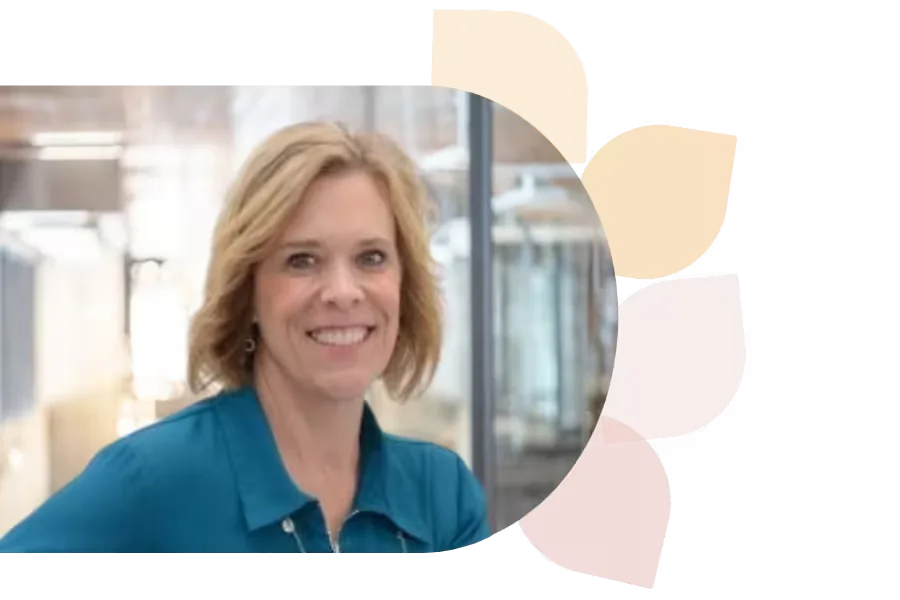
Debra Norton
Deb Norton is a Tech Integration Coordinator in Wisconsin’s Oshkosh Area School District. A former 5th grade teacher, she leads ISTE U’s AI course, holds a master’s in EdTech, and is a Google Certified Trainer. She presents nationally and shares her passion via blogging and social media.
Specializes In: Instructional Technology Coordinator

Ready to grow?
Unlock new strategies and skills—wherever you are in your teaching journey.
Get started free