
An Overview of Zoom Settings
- Certificate of completion
- 30 minutes, self-paced
- Access on mobile or laptop
- 1,000+ more courses included
Master essential Zoom settings for teachers. Learn about virtual backgrounds, chat, screen sharing, recording, and more features.

Description
One reason Zoom has become so popular for distance learning, is the huge list of features, functions, and settings. But, sometimes too much can be overwhelming. In this session, we'll focus in on Zoom Settings and highlight the most relevant and ones for teachers, including things like: virtual backgrounds, chat, screen sharing, recording, and more. Please Note: Some of the settings covered may not be available in all versions of Zoom.
Course Content
- An Overview of Zoom Settings
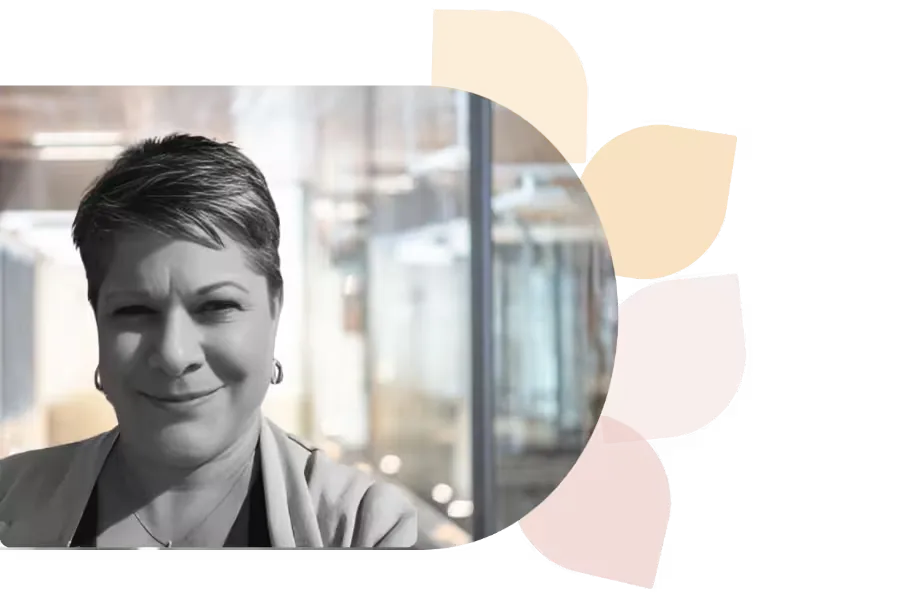
Dr. Jenna Linskens
Dr. Jenna Linskens is the Director of Instructional Design & Educational Technology at Ithaca College. With 25+ years in education, she helps faculty with tech and e-learning. A CETL-certified leader, she was named to EdTech Insider’s 2020 Dean’s List of top Higher Ed IT Influencers.
Specializes In: Director of Instructional Design


Ready to grow?
Unlock new strategies and skills—wherever you are in your teaching journey.
Get started free